
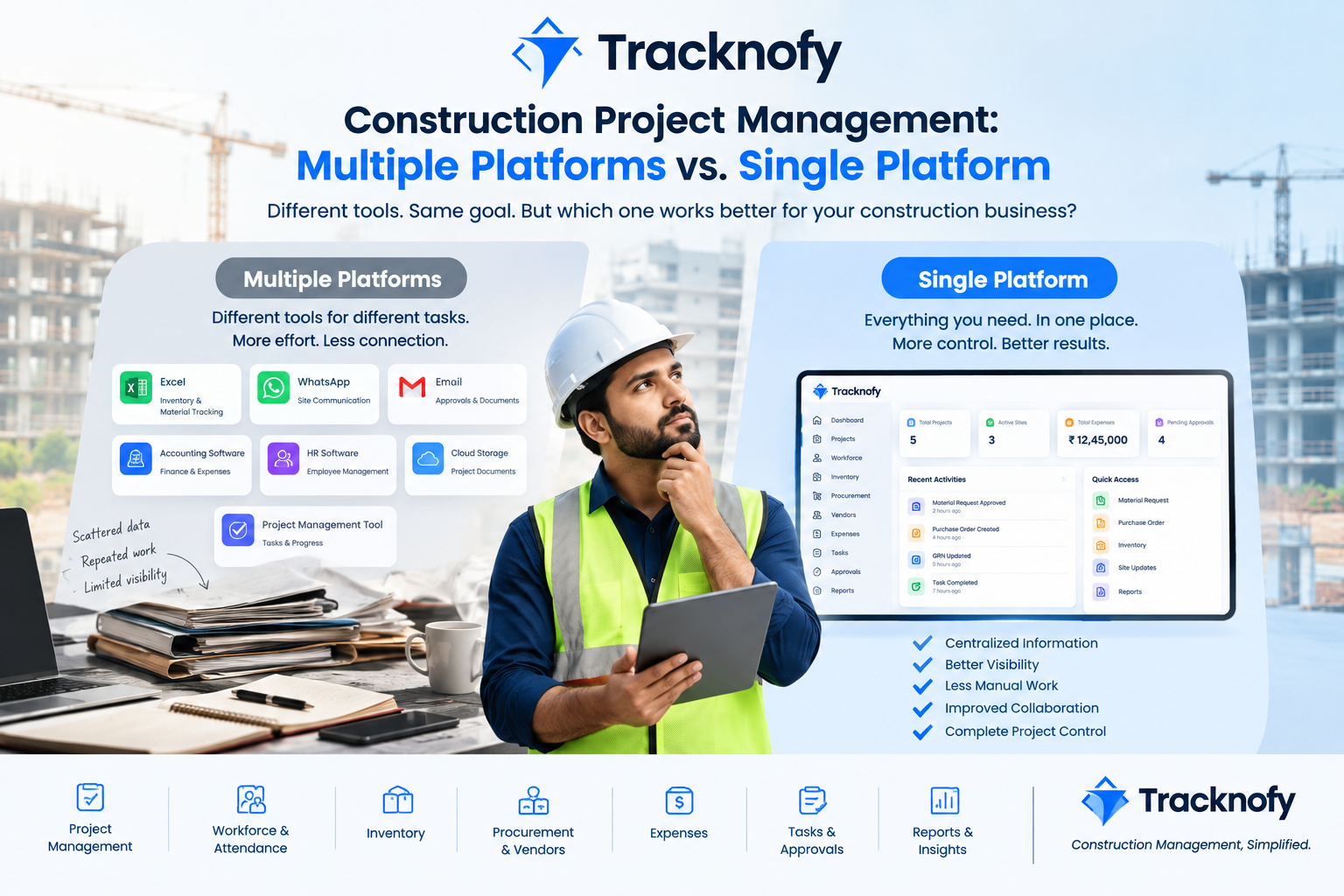
Construction Project Management: Multiple Platforms vs. a Single Platform
Construction project management involves much more than managing work at a site.
Project teams need to coordinate materials, procurement, inventory, workforce, expenses, vendors, tasks, documents, approvals, and project updates—often across multiple people and locations.
Traditionally, many construction businesses manage these activities using a combination of Excel, WhatsApp, email, accounting software, cloud storage, and separate project management applications.
While this approach can work initially, managing information across multiple platforms can become increasingly difficult as projects and teams grow.
An alternative is single-platform construction project management, where multiple project functions are managed through one connected system.
So, what are the advantages and disadvantages of each approach?
Let’s compare them.
What Is Multiple-Platform Construction Project Management?
Multiple-platform construction project management means using different software or tools for different business activities.
For example:
- Excel for inventory and material tracking
- WhatsApp for site communication
- Email for approvals and documents
- Accounting software for financial management
- HR software for employee information
- Cloud storage for project documents
- Separate project management software for tasks and progress
Each tool may perform its specific function effectively, but the information remains distributed across different systems.
This can create a challenge: the project data exists, but it isn’t necessarily connected.
Advantages of Using Multiple Platforms
1. Flexibility
Businesses can select different tools based on their specific requirements.
For example, a company can use specialized accounting software for financial operations and another application for project communication.
2. Familiarity
Employees may already be comfortable using tools such as Excel, WhatsApp, and email.
This can reduce the learning curve when starting a new project.
3. Specialized Features
Dedicated applications can provide advanced features for particular functions.
For example, accounting software may offer detailed financial capabilities, while specialized HR software may focus on employee management.
4. Easy to Start
For smaller teams or projects, existing tools may provide a simple way to begin managing operations without implementing a complete construction management system.
Disadvantages of Using Multiple Platforms
The primary challenge isn’t necessarily the individual tools. It is the lack of connection between them.
1. Scattered Project Information
Important project information can be spread across:
- Excel files
- WhatsApp conversations
- Emails
- PDFs
- Cloud folders
- Different applications
Finding the latest information can therefore take additional time.
2. Repeated Data Entry
The same information may have to be entered into multiple systems.
For example, a material purchase might be recorded in an Excel sheet and then manually updated in another inventory or accounting system.
This increases administrative work and creates opportunities for data-entry mistakes.
3. Limited Project Visibility
Management may need to check several applications to understand the current status of a project.
Instead of viewing connected information in one place, they have to collect it from different sources.
4. Communication Gaps
Important information can get buried in long WhatsApp conversations or email threads.
Finding an old approval, instruction, document, or update can become difficult.
5. Difficult Tracking
When information is distributed across different systems, maintaining a complete history of requests, approvals, purchases, expenses, and updates can be more complicated.
6. More Tools to Manage
Every additional platform can introduce:
- Separate logins
- Separate permissions
- Separate data
- Separate subscriptions
- Separate training
- Separate workflows
As a business grows, managing multiple systems can become an operational challenge of its own.
What Is Single-Platform Construction Project Management?
Single-platform construction project management means managing multiple construction activities through one centralized system.
Depending on the software, this may include:
- Project management
- Workforce management
- GPS attendance
- Task management
- Inventory management
- Procurement
- Vendor management
- Purchase orders
- GRN
- Expense management
- Document management
- Design approvals
- Client updates
- Reports and dashboards
Instead of managing every function separately, teams can work with information within a centralized environment.
Advantages of a Single Construction Management Platform
1. Centralized Project Information
A single platform provides one central location for important project information.
Teams don’t have to search through multiple spreadsheets, applications, and communication channels to find basic project data.
2. Better Project Visibility
A centralized construction management system can provide management with a broader view of project activities.
Depending on the platform, this can include:
Workforce + Tasks + Expenses + Procurement + Inventory + Project Updates
This can make monitoring day-to-day operations more structured.
3. Reduced Repetitive Work
Connected modules can reduce the need to enter the same information repeatedly.
For example:
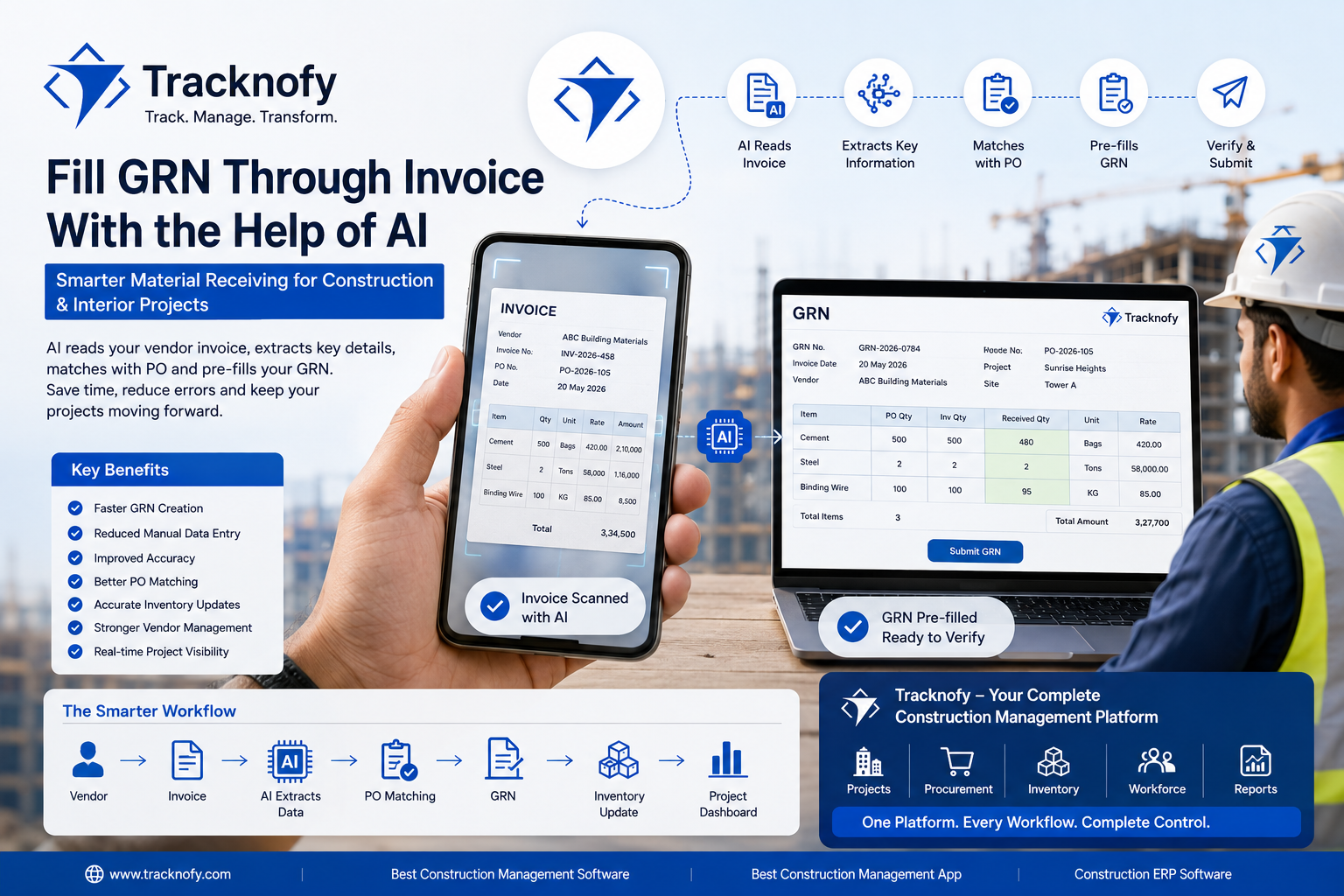
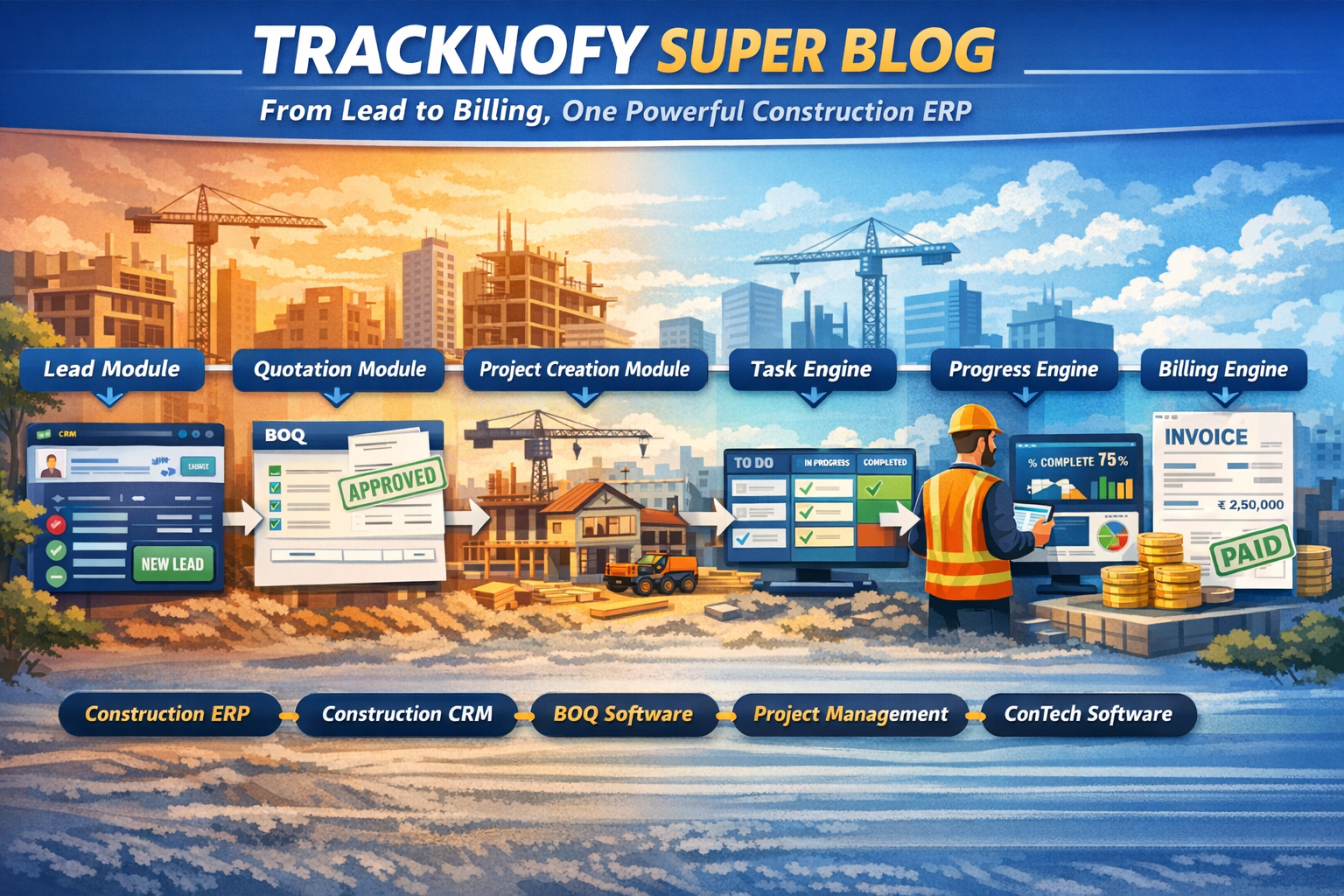
Material Request → Procurement → Purchase → GRN → Inventory
When these activities are connected within one system, information can move through the workflow more efficiently.
4. Better Collaboration
Site teams, supervisors, project managers, management, vendors, and clients may need access to different project information.
A centralized platform can provide role-based access so each user can work with the information relevant to them.
5. Easier Tracking and Accountability
A centralized system can maintain records of:
- Who created a request
- Who approved it
- What was purchased
- What was received
- What expenses were recorded
- What tasks were completed
This creates a more structured project history.
6. Easier Access to Project Data
Modern cloud-based construction management software can allow authorized users to access project information from different locations and devices.
This can be particularly useful for businesses managing multiple construction sites.
Disadvantages of a Single Platform
A single platform also has considerations that businesses should evaluate before implementation.
1. Learning Curve
Employees who are accustomed to Excel, WhatsApp, or paper-based processes may need time to learn a new system.
2. Implementation Effort
Moving existing project data and workflows into a new platform requires planning.
Teams may need training and a defined implementation process.
3. Platform Dependency
When multiple operations depend on one platform, reliability, security, backups, support, and data accessibility become important considerations.
4. Different Business Requirements
Every construction company has its own processes.
A construction management platform may cover common requirements while some businesses may still need specialized tools or integrations.
Multiple Platforms vs. Single Platform: Comparison
| Factor | Multiple Platforms | Single Platform |
|---|---|---|
| Project Information | Distributed | Centralized |
| Data Entry | May be repetitive | Can be reduced through connected modules |
| Project Visibility | Requires checking multiple tools | Available from one system |
| Communication | Often spread across channels | More centralized |
| Procurement Tracking | May require multiple records | Can be connected with inventory |
| Inventory Visibility | Often maintained separately | Can be connected with procurement |
| Approvals | Email/messages/separate tools | Centralized workflow |
| Training | Different tools to learn | One primary system |
| Implementation | Usually easier initially | Requires planning |
| Scalability | More tools may be added over time | Centralized structure can support growth |
When Should a Construction Company Consider a Single Platform?
There is no universal point at which every construction company must move to a single platform.
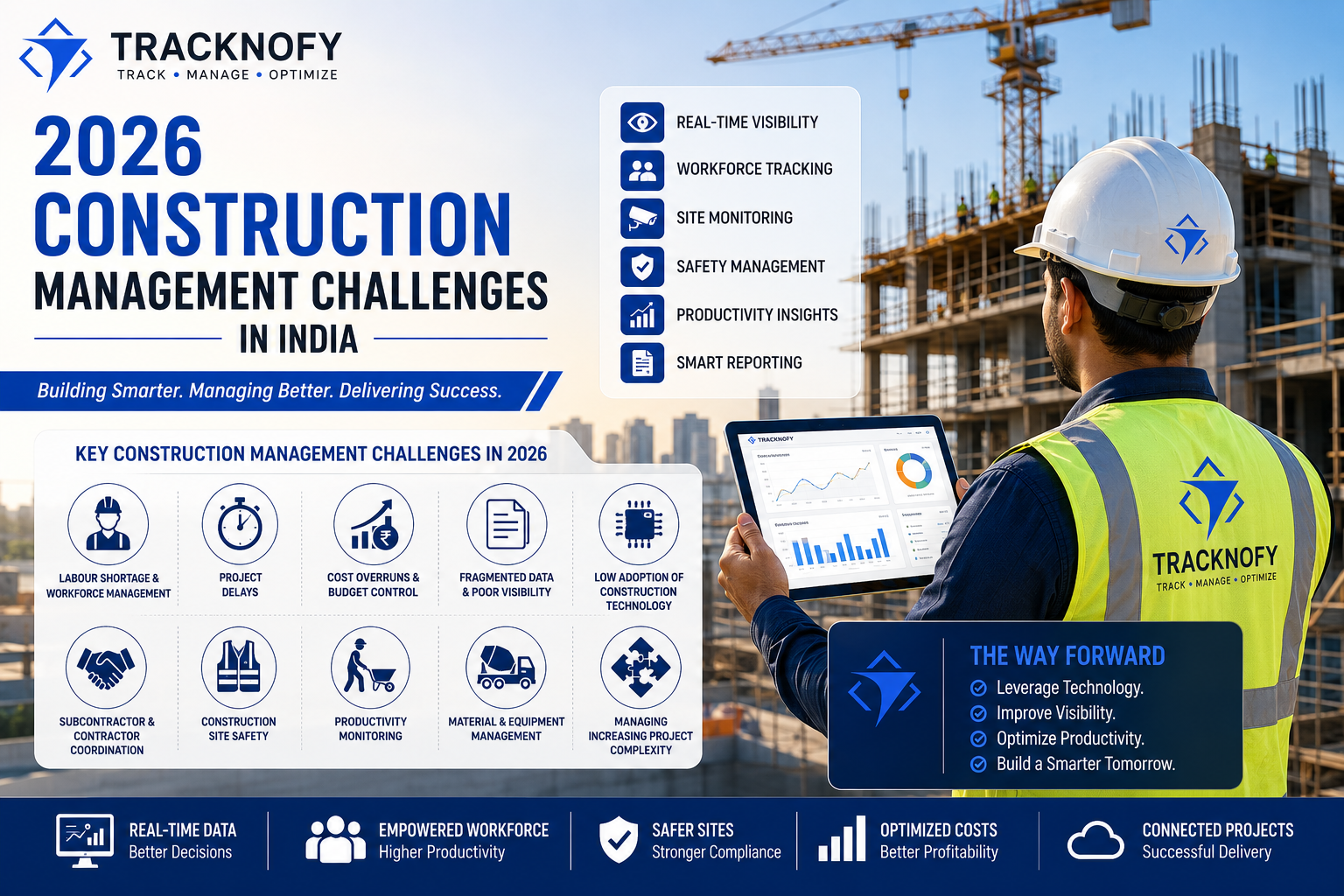
However, businesses may start considering unified construction management software when they experience problems such as:
- Managing multiple construction sites
- Increasing numbers of employees and contractors
- Growing vendor networks
- Increasing material purchases
- Difficulty tracking inventory
- Repeated manual data entry
- Too many Excel sheets
- Important information being lost in WhatsApp
- Difficulty monitoring project expenses
- Limited visibility for management
- Increasing administrative workload
The key question is:
Can your team easily find, update, and connect the information required to manage your projects?
If the answer is becoming “no,” it may be time to evaluate a more centralized approach.
How Tracknofy Helps Connect Construction Management
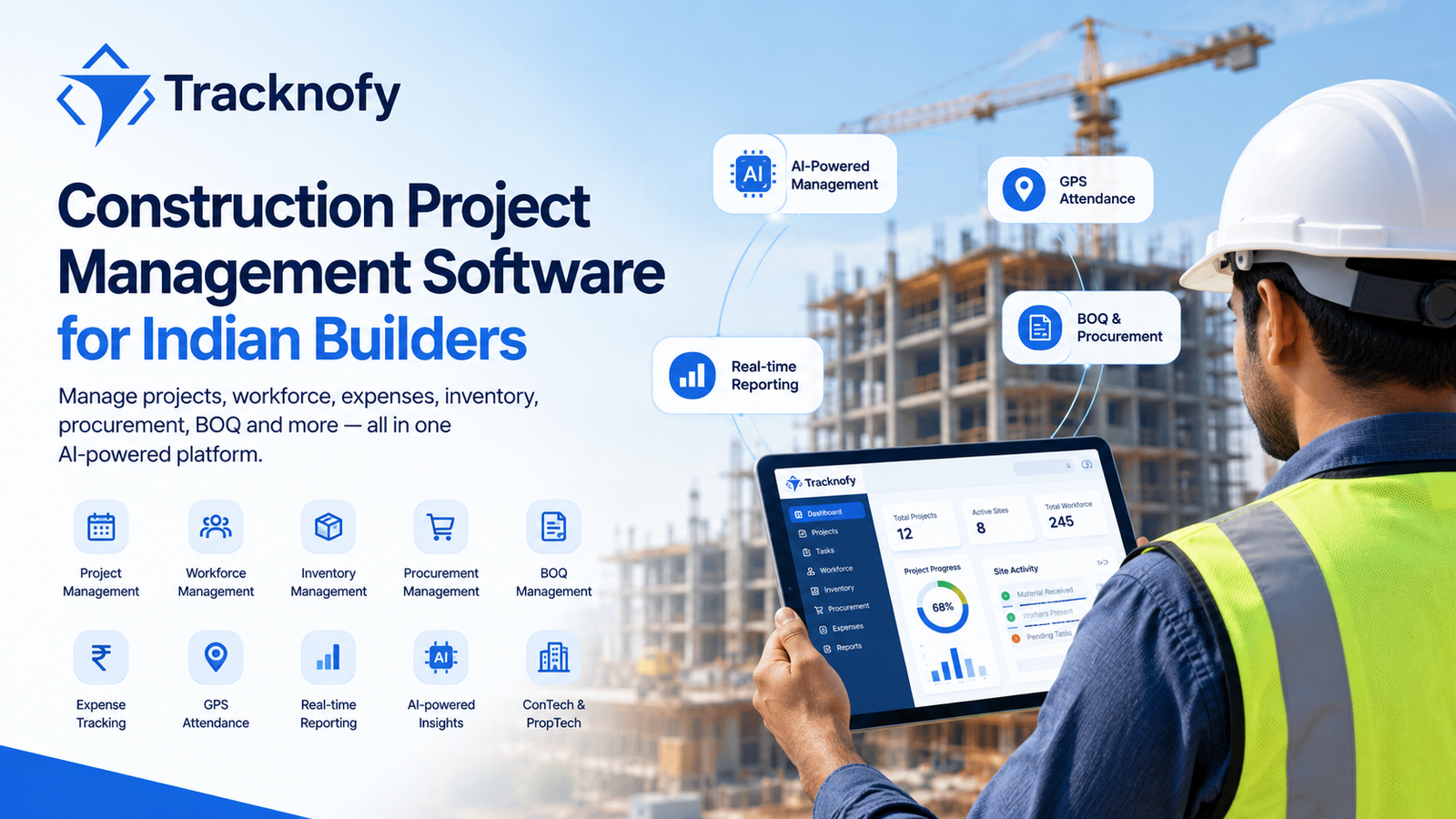
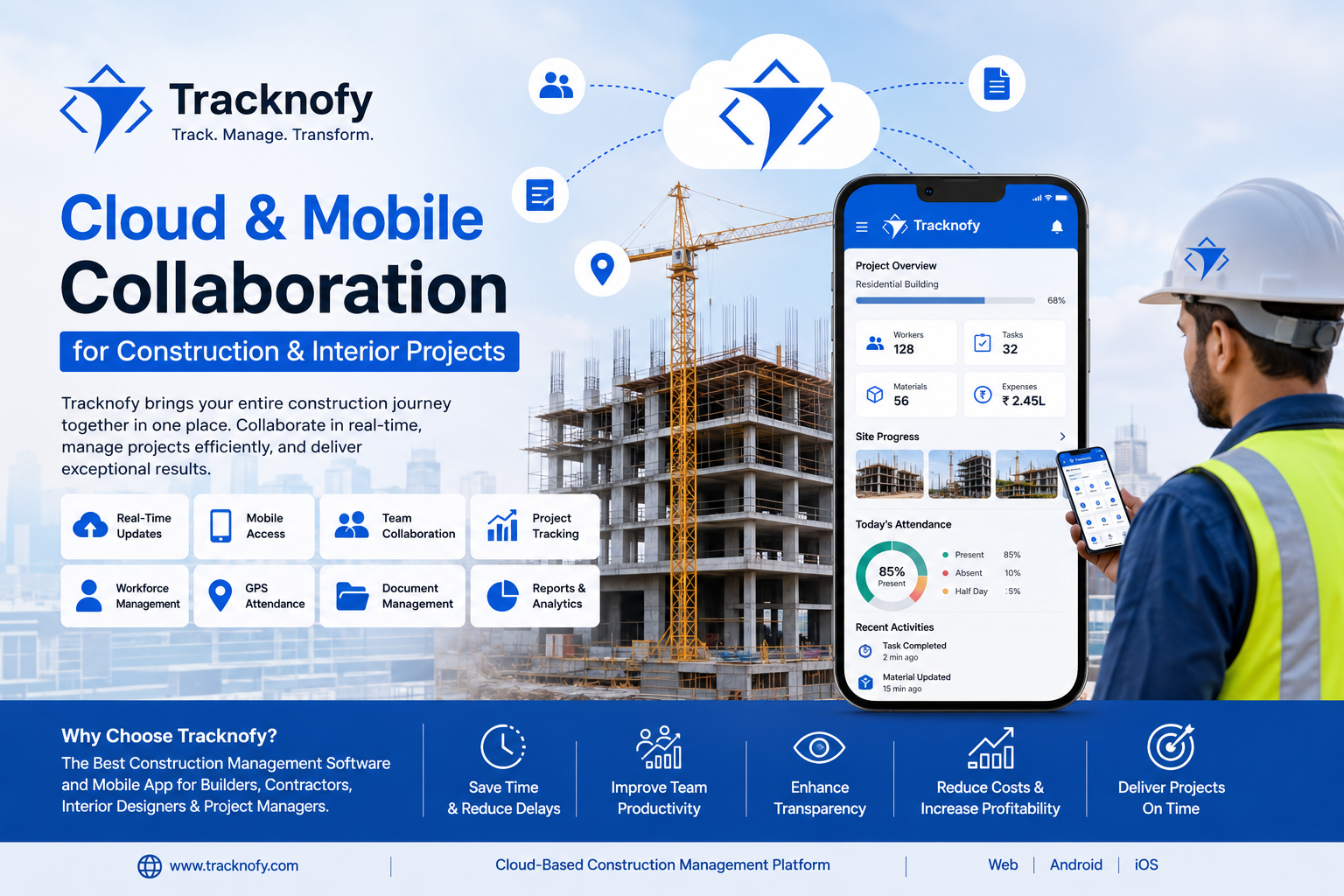
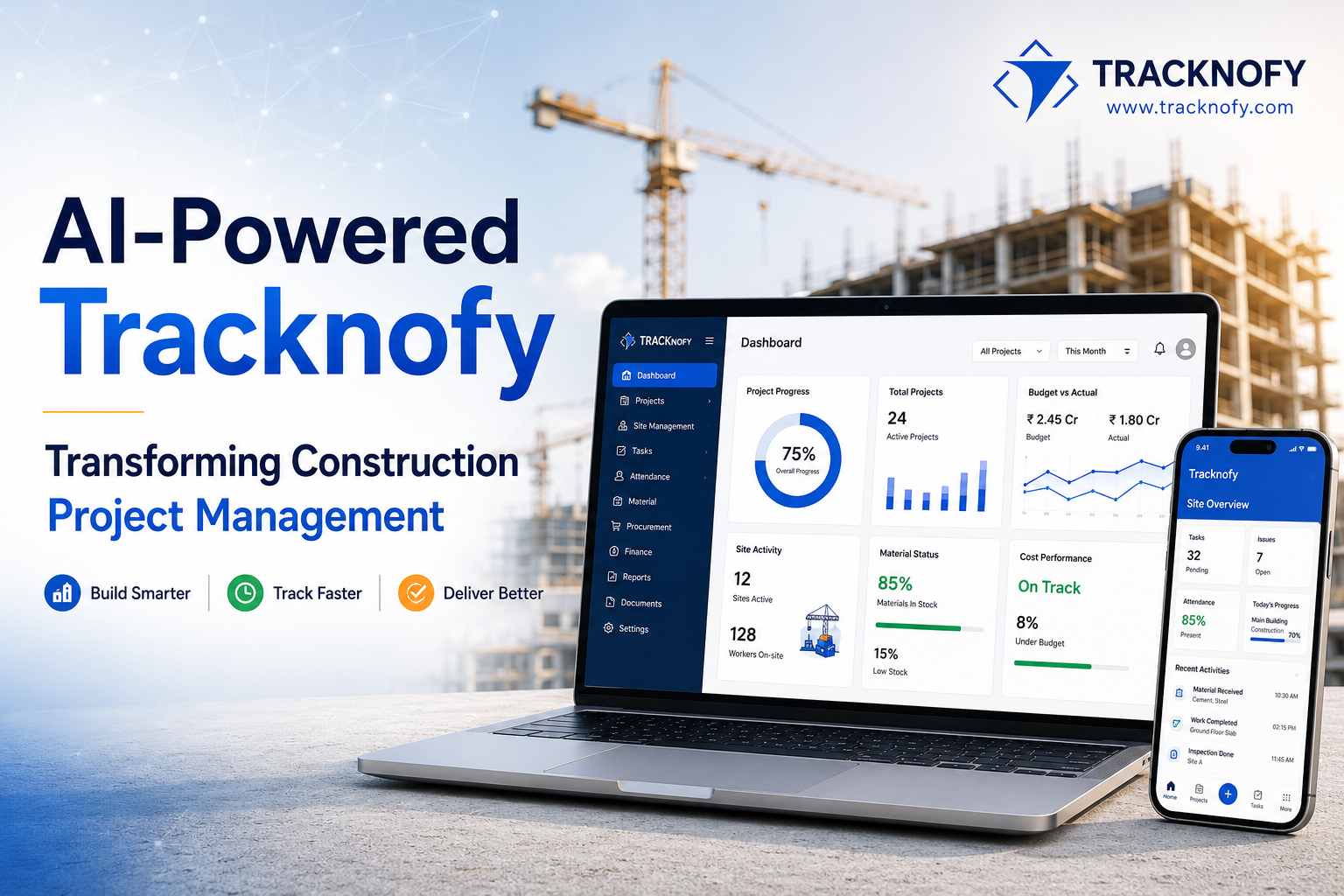
Tracknofy is a construction management platform designed to bring key construction operations into one connected environment.
Instead of managing different operational areas independently, teams can use Tracknofy to manage functions such as:
Project Management
Workforce Management
Inventory
Procurement
Vendor Management
Expenses
Tasks
Approvals
Project Updates
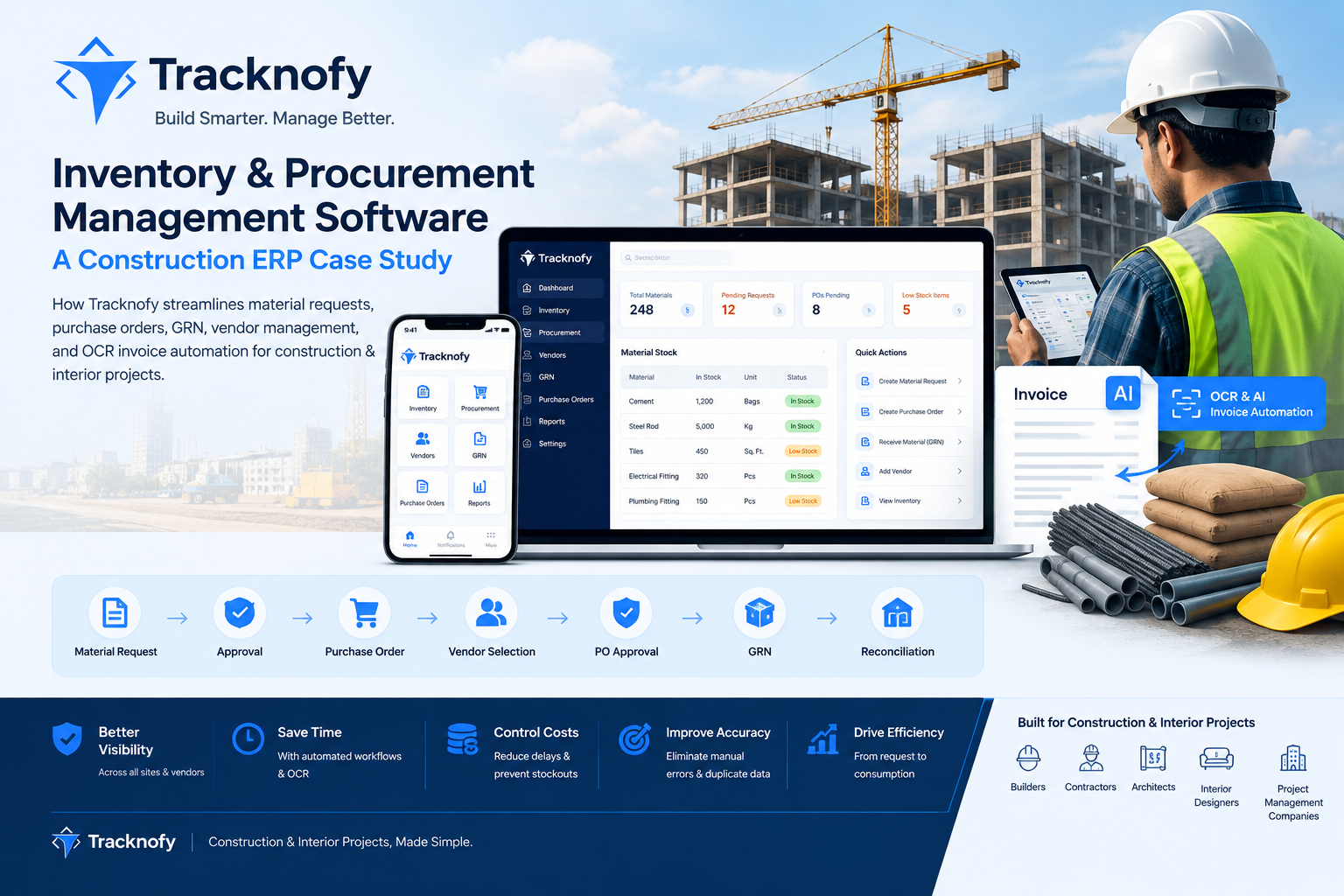
For example, procurement and inventory can be connected so that material-related information is easier to track across the project lifecycle.
The objective is simple:
Less scattered information.
Less repetitive work.
Better project visibility.
Single Platform Doesn’t Mean “One Tool for Everything”
Choosing a single construction management platform does not necessarily mean eliminating every other software application.
Specialized accounting, design, engineering, or other business systems may still be required depending on the company’s needs.
The goal is to create a connected core system for construction operations and integrate other tools where necessary.
This distinction is important when evaluating construction ERP or project management software.
Conclusion
Multiple platforms can provide flexibility and allow construction companies to select specialized tools for individual requirements.
However, as projects become more complex, information can become fragmented across Excel files, messaging applications, emails, documents, and separate software.
A single construction management platform can provide a more centralized approach by connecting important project activities such as workforce, tasks, expenses, procurement, inventory, vendors, and project updates.
Ultimately, the right solution depends on the company’s size, workflows, budget, technology requirements, and growth plans.
The goal isn’t simply to use fewer software tools.
The goal is to make construction project information easier to connect, manage, and access.
FAQs
1. What is construction project management software?
Construction project management software is a digital system designed to help construction businesses manage project activities such as tasks, workforce, materials, procurement, expenses, documents, communication, and project reporting.
2. Is Excel enough for construction project management?
Excel can be useful for smaller projects and specific tasks. However, when a business manages multiple projects, users, vendors, materials, and transactions, maintaining everything manually across spreadsheets can become difficult.
3. What are the disadvantages of using multiple platforms?
Common challenges include scattered information, repeated data entry, separate logins, communication gaps, difficulty tracking project history, and limited visibility across different project activities.
4. What are the benefits of single-platform construction management?
A single platform can centralize project information, connect related workflows, reduce repetitive data entry, improve visibility, and provide a more structured way to manage construction operations.
5. What is construction ERP software?
Construction ERP software is a centralized business management system designed to connect different construction operations such as procurement, inventory, workforce, expenses, projects, vendors, and other business processes.
6. Can construction management software replace Excel?
It depends on the company’s requirements. Construction software can replace many manual spreadsheets used for operational management, while Excel can still be useful for analysis, calculations, or specialized reporting.
7. Is cloud-based construction management software useful for multiple sites?
Cloud-based systems can allow authorized users to access project information from different locations, making them useful for businesses managing multiple construction sites.
Ready to Connect Your Construction Operations?
If your team is managing projects across Excel sheets, WhatsApp messages, emails, paper records, and multiple applications, it may be time to consider a more connected approach.
With Tracknofy, construction businesses can bring key project operations into one platform and create better visibility across day-to-day project management.
Explore Tracknofy and see how a connected construction management platform can simplify the way your team manages projects.